Magazine printing made easy with print on demand

Tags
Interested in joining the world's leading print on demand platform?
Selling print on demand magazines gives you a way to showcase your work across multiple pages without the financial risk of traditional publishing. No bulk orders, no storage costs, no unsold stock – just professional magazine printing that scales with your sales.
Whether you're an artist wanting to create a portfolio piece, a photographer building a collection or simply exploring zine printing for the first time, print on demand magazines let you test ideas and sell products without guessing quantities upfront.
In this guide, we'll cover everything from how to print a magazine — from preparing your files correctly to selling the finished product through your existing online store or marketplace.
What are print on demand magazines?
Print on demand magazines are professionally printed publications created only when someone orders them. Unlike traditional magazine printing, which requires ordering hundreds or thousands of copies upfront, print on demand lets you fulfil orders individually — one at a time or in whatever quantity you need.

Our magazines feature:
- 250gsm laminated softcover (matte or gloss finish)
- 115gsm silk-coated interior pages
- PUR binding with a squared, printable spine
- Page counts from 18 to 500
- Custom sizing based on your file's aspect ratio
- Portrait and landscape orientations
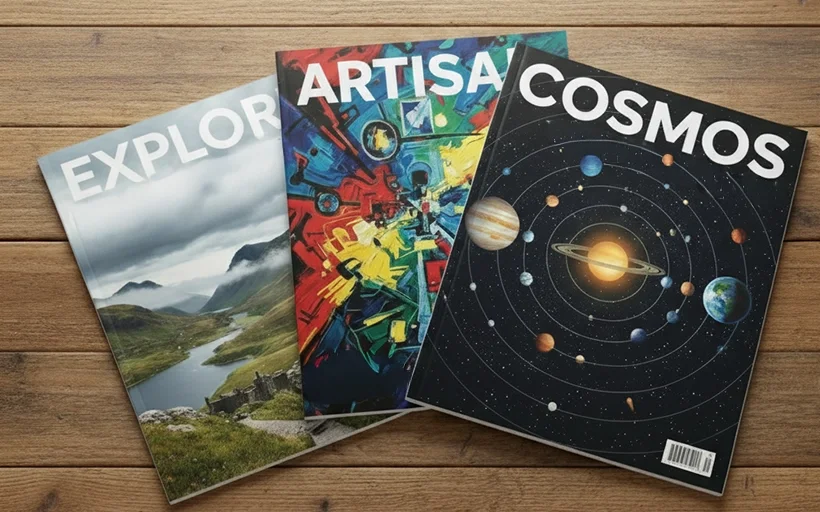
The format works for art magazines, photography collections, portfolio pieces, zines, lookbooks or any project that benefits from a multi-page layout.
Why sell print on demand magazines?

No minimum orders
Print a magazine as a one-off, or order a hundred copies. With Prodigi, you're not locked into bulk quantities, which means you can test new ideas without financial risk — perfect for independent creators and small-scale zine publishing.
No storage costs
Magazine printing happens as orders come in. No boxes stacked in your home, no storage unit rental, no inventory gathering dust.
Test before you commit
Want to see if a magazine concept sells before going all in? Print on demand lets you experiment with different themes, page counts and designs without upfront investment.
Professional quality without the setup costs
Traditional magazine printing often requires setup fees and plate costs. With print on demand magazines, those barriers disappear — you pay per unit, whether that's one copy or 50.
Global fulfilment
Sell to customers worldwide. We handle printing and shipping from facilities around the globe, so your magazines reach buyers faster with lower shipping costs.
Magazine specifications
Format options
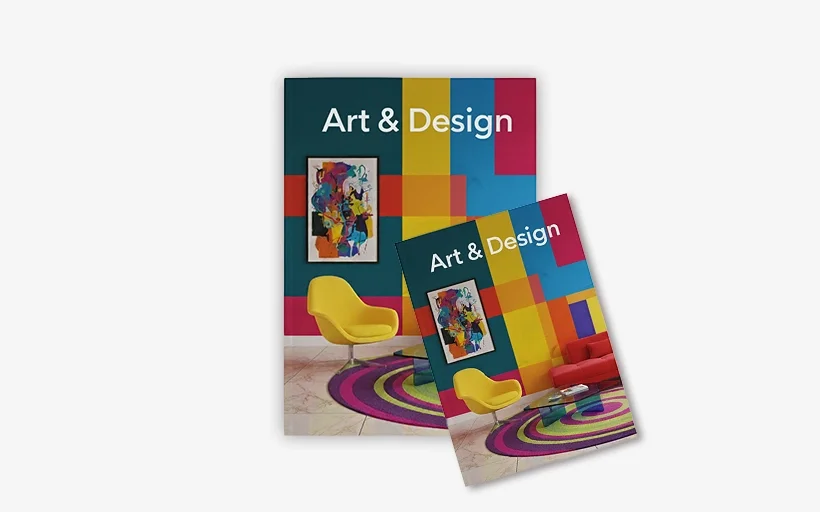
Our magazines are custom-sized to match your file's exact aspect ratio. Choose dimensions that suit your content — whether that's standard portrait (like A4 or US Letter), square or landscape.
Page count
Prodigi print on demand magazines can have anywhere from 18 to 500 pages, including the cover. Your total page count includes the front cover, back cover, inside covers and all interior pages.
Cover options
Choose between:
- Matte lamination — softer, less reflective, gives a premium feel
- Gloss lamination — vibrant, eye-catching, shows colours at their brightest
Both options include a laminated coating that protects the cover and adds durability.
Interior pages
Interior pages are printed on 115gsm silk-coated paper, which provides a smooth finish and excellent colour reproduction.
Binding
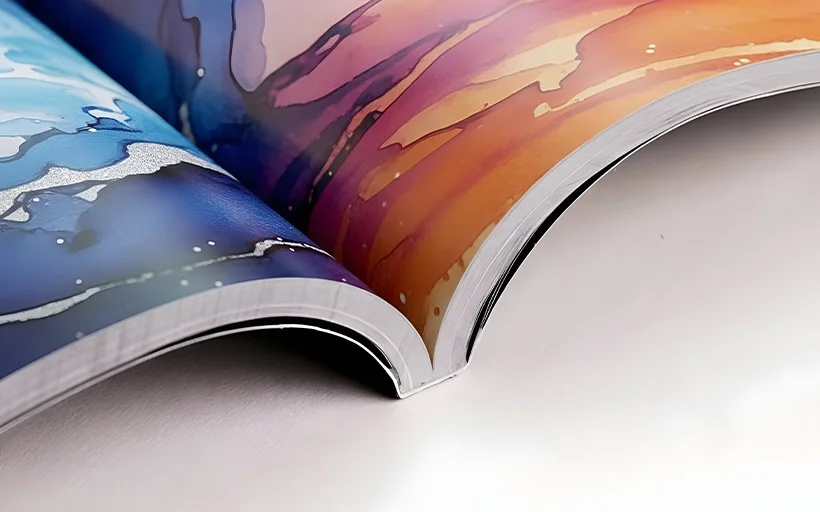
PUR binding — up to 50% stronger than standard EVA binding — creates a squared spine — ideal if you want to print a title or design element along the edge. The spine width depends on your page count.
Magazine printing file setup requirements
Getting your files right is crucial when you print a magazine. Here's everything you need to know:
File format
Supply your magazine as a single-page PDF. This means your entire magazine — cover and all interior pages — should be in one PDF file, with pages in order from start to finish.
Resolution
Set your artwork to 300dpi for sharp, clear printing. Lower resolution will result in blurry or pixelated images.
Bleed
Design with full-bleed pages — your artwork should extend 3mm beyond the trim edge on all sides. This prevents white edges if there's slight variation during trimming.
Crop marks
Include crop marks in your file to show exactly where the magazine should be trimmed. This ensures precision cutting and helps your layouts appear as intended.
Colour mode
Use CMYK colour mode rather than RGB. CMYK is the standard for print and ensures your colours reproduce accurately.
Fonts
Embed all fonts in your PDF or convert text to outlines. This prevents font substitution issues during printing.
Best practice for magazine files
Mind the spine
Content too close to the spine can get lost in the binding. Keep important text and images at least 5mm away from the centre fold.
Use high-quality images
Low-resolution photos will look pixelated in print. Stick to 300dpi and source the highest quality images you can.
Check your layout before uploading
Flip through your PDF and check that page flow makes sense, images align properly and nothing important sits too close to trim edges.
Proofread everything
Typos are permanent in print. Triple-check all text, captions and page numbers before uploading your file.
How to sell print on demand magazines
Connect your store
Prodigi integrates with platforms like Shopify, Etsy, TikTok and more. Connect your store, then configure your magazine products for automatic fulfilment.
When a customer places an order, we print, pack and ship it directly to them. You don't handle any inventory or deal with shipping logistics, giving you more time to focus on creating and marketing your products.
Create compelling listings
Your product listing should include:
- Clear product photos — use our 3D mockups or photograph a sample
- Detailed descriptions — explain what's inside, the page count and binding type
- Sizing information — list dimensions so buyers know what options they have
- Shipping estimates — set expectations around delivery times
Order samples first
Before selling to customers, order a sample for yourself to check the print quality, colour accuracy and overall finish. This helps you write better product descriptions and spot any file issues before they reach buyers.
Offer variations
Consider creating magazines in multiple formats — matte and gloss covers, different page counts or themed collections. More options can appeal to different buyer preferences.
Pricing your magazines
Work backwards from your desired profit margin:
- Calculate base costs — magazine printing cost + shipping + marketplace fees
- Add your margin — decide your profit per sale
- Check competitors — research similar magazines to gauge market pricing
- Factor in perceived value — magazines with more pages, premium finishes or unique content can command higher prices
Don't undervalue your work, but stay competitive. A 40–50% profit margin after costs is a reasonable target for most print on demand products.
Prodigi Pro members save 10% on all magazines, allowing you to increase your profit margins or price your products more competitively.
Learn more about Prodigi Pro.
Frequently asked questions
What's the minimum page count for magazines?
Magazines start at 18 pages (including the cover) and can go up to 500 pages.
Can I order just one magazine?
Yes — there are no minimum order quantities. Print a magazine one at a time as orders come in, or order in bulk when you need them.
How long does printing take?
Production times vary by location, but most magazines print and ship within 4-6 business days. Check current production times in your Prodigi dashboard.
Can I sell magazines internationally?
Yes. Prodigi has printing facilities worldwide, so your magazines can reach customers globally with faster delivery and lower shipping costs.
What's the difference between matte and gloss lamination?
Matte lamination has a softer, non-reflective finish and feels more premium. Gloss lamination is brighter, more vibrant and shows colours at their most saturated. Both protect the cover equally well.
Do I need to create a separate file for the cover?
No — supply your entire magazine as one single-page PDF with the cover and interior pages in order.
Can I include blank pages?
Yes, you can include blank pages in your magazine if your design requires them. Just ensure your total page count (including blanks) falls within the 18–500 page range.
What if my file doesn't meet the requirements?
If there are issues with your file, we'll flag them before printing. Common issues include low resolution, missing bleed or incorrect colour mode. Review our file setup guidelines to avoid problems.
Are magazines suitable for zine publishing?
Yes — our magazines work well for zine publishing. You can print small runs or single copies without committing to bulk orders.
Ready to start selling print on demand magazines?

Prodigi magazines let you publish multi-page work without upfront costs or storage headaches. Test ideas, scale what works and let us handle the fulfilment while you focus on creating and selling.
Summary
Prodigi makes magazine printing easy. Our print on demand magazines let you sell professionally printed publications without minimum orders or upfront costs. With laminated covers, silk-coated pages and PUR binding, they're ideal for art magazines, photography collections, zine publishing and more.
Ready to get started? Sign up for your free Prodigi account and get 50% off your first sample order.